Navigation tutorials
This section contains some tasks related with robot navigation and strategies for obstacle avoidance.
Reach the goal!
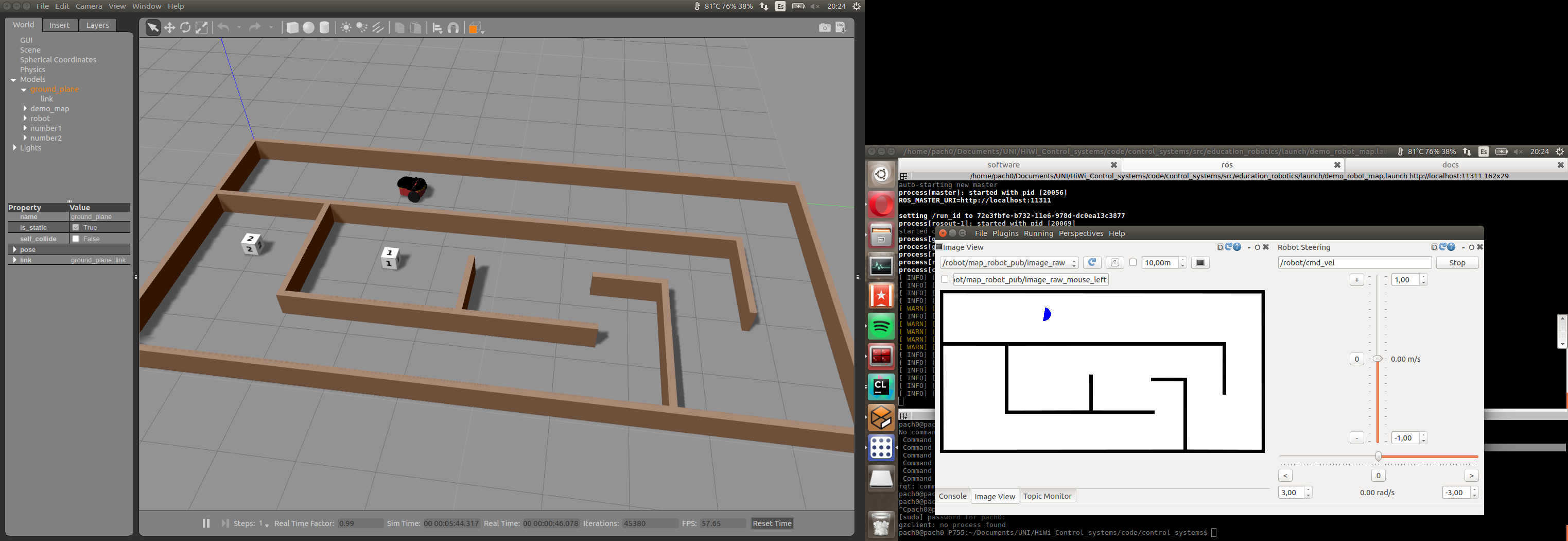
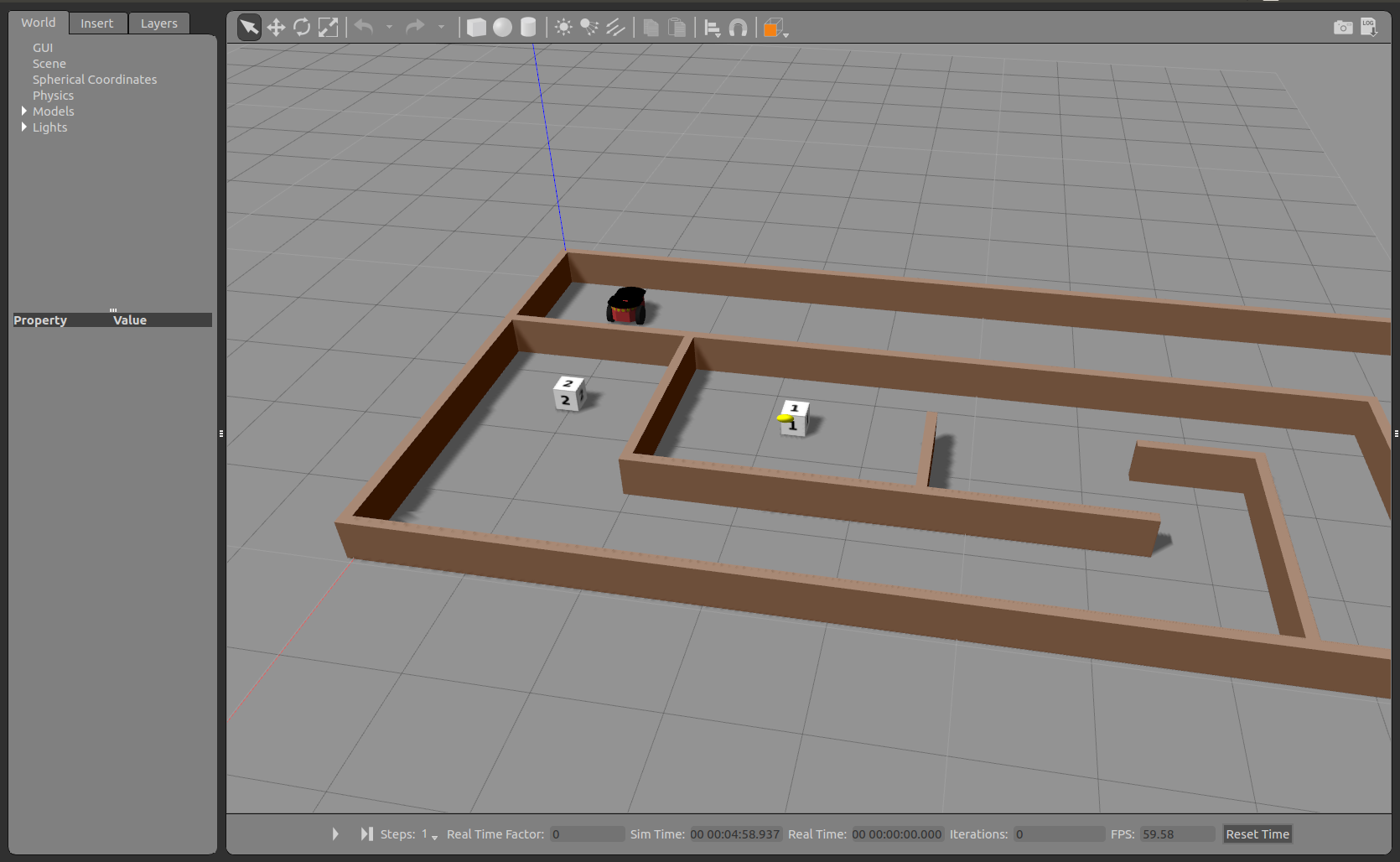
We have prepared for you a maze that includes robot, some goal positions and a closed map.
Your task is simple: Move the robot through the maze and reach the goals number 1 and 2 as faster as possible.
You can start the program by running:
cd ~/catkin_ws
source devel/setup.bash
roslaunch education_robotics tutorials_navigation.launch
In the same way as before, you can edit a template located at: education_robotics/src/tutorials/2_navigation.py
- You should get something like this:
Map and odometry: obstacle avoidance
Once you have succeeded with the previous task, you are ready for increasing the complexity of next task:
Now, you should create an algorithm that allows the robot to avoid obstacles and explore the map until reaches goals number 1 and 2.
In order to do that, you can use robot odometry and map for making predictions about coming obstacles.
A simple template is available on: education_robotics/src/tutorials/3_obstacle_avoidance.py
This script subscribes for odometry and map information, and allows you to estimate the coming obstacles based on current robot position and fixed map.
Let’s have a look at part of script:
- Create a callback for map subscriber, the map is represented as an image and after processing is saved into global variable (self.map)
# Update map
def callback_map(self, data):
    try:
        temp_map = self.bridge.imgmsg_to_cv2(data, "bgr8")

        # convert into gray scale
        (rows, cols, channels) = temp_map.shape
        if cols > 0 and rows > 0 :
            self.map = cv2.cvtColor(temp_map,cv2.COLOR_RGB2GRAY)

    except CvBridgeError as e:
        print(e)
- Subscribe for odometry information and save it into global variables.
# update position and orientation of robot (odometry)
def process_odometry_message(self, odometry_msg):
    self.robot_position_x = odometry_msg.pose.pose.position.x
    self.robot_position_y = odometry_msg.pose.pose.position.y
    self.robot_orientation = odometry_msg.pose.pose.orientation.y

    quaternion = (
        odometry_msg.pose.pose.orientation.x,
        odometry_msg.pose.pose.orientation.y,
        odometry_msg.pose.pose.orientation.z,
        odometry_msg.pose.pose.orientation.w)

    (self.robot_roll, self.robot_pitch, self.robot_yaw) = euler_from_quaternion(quaternion)
- Take into account that odometry is given in meters and the map is given in pixels, the relationship between them is:
1 meter = 100 pixels
- This part does a basic obstacle detection, it considers a “safety boundary region” around the robot and a loop detect any obstacle inside this area.
# define a safety boundary region around robot
boundary = 40
detected_obstacle = False

# loop inside boundary, check if there are obstacles
for y in range( int((self.robot_position_y*100) - boundary), int((self.robot_position_y*100) + boundary) ):
    for x in range( int((self.robot_position_x*100) - boundary), int((self.robot_position_x*100) + boundary) ):
        map_point = self.map[x, y]
        if map_point < 1:
            # Obstacle detected!
            detected_obstacle = True

            # Here design your own routine for obstacle avoidance and navigation!

            # for logging: visualize using console plugin in rqt.
            # rospy.loginfo("close to obstacle y %f  x %f p %f", y , x, map_point)

            break
- Once you have modified the source code (python script), you can test it by running:
cd ~/catkin_ws
source devel/setup.bash
roslaunch education_robotics tutorials_obstacle_avoidance.launch
- You should have something like this: Gazebo simulator with robot and map + RQT interface with tools.